One button to say “I’m ready.” One tap to reply.
Put a code or a QR sign on the door. They press it once, your phone tells you, and you tap back one of three canned answers. Nothing to install, no account to make, and no phone numbers handed out.
Try the demo-
Step one
They press
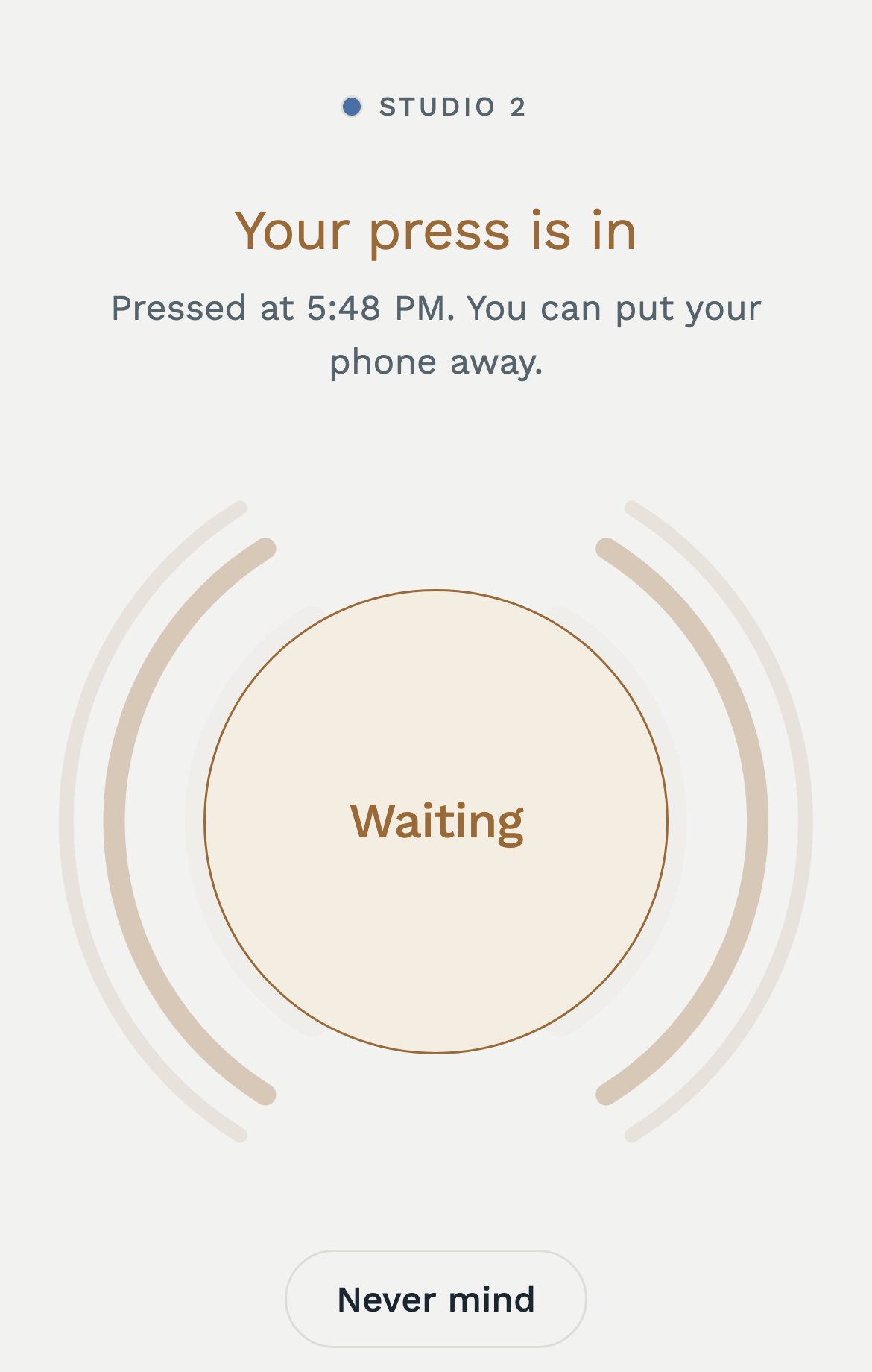
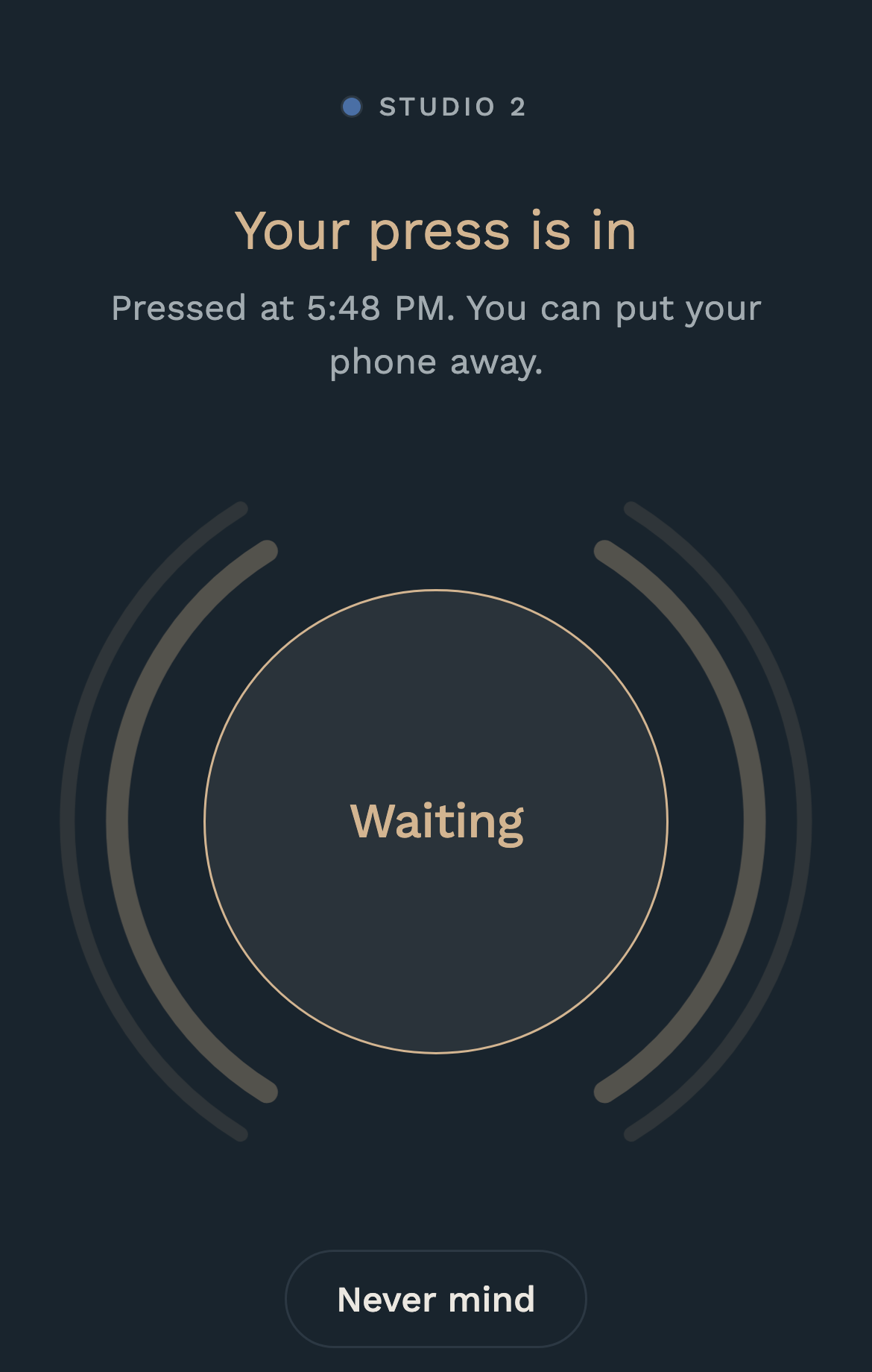
They scan the QR taped up by the door, or type the six-letter code at knocklet.com. Either way they get one page with one button on it.
-
Step two
Your phone tells you
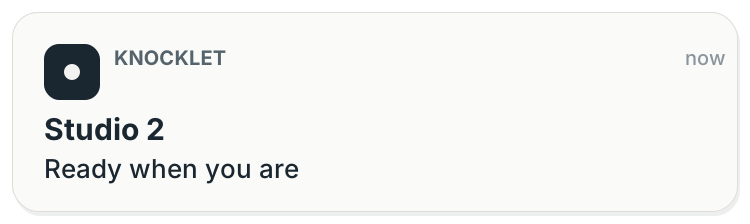
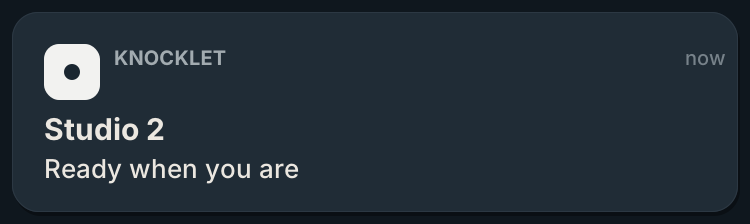
A notification on your lock screen, with the room name and nothing else. It repeats every few minutes until you answer.
-
Step three
You answer with one tap
Your console
Someone is waiting
On my way. Give me a few minutes. Come on in.
Their page
On their way
They said: “On my way.”
Three canned answers, no typing and no thread. Whichever one you pick shows up on the page they’re still holding.
What this is
You get a room with a six-letter code. Print it, tape it up, read it out. Whoever’s waiting opens knocklet.com, types the code in, and gets a page with one button. When they press it, your phone tells you.
For the person waiting
Nothing to install and no account to make. Just a page with one button on it.
For you
A front desk, a waiting room, a workshop. Anywhere “come get me when you’re ready” saves somebody a trip. Each press is one notification, on your phone or in the owner console.
The owner console
Sign in at app.knocklet.com on your phone or at your desk. Make one room or a dozen. Each has a code and a QR to hand out, the presses as they come in, a history of what happened and when, and the buttons you answer with.
Someone is waiting
On my way. Give me a few minutes. Come on in.
- 9:41Someone pressed
- 9:41Sent to your phone
- 9:42You said “On my way.”
- 9:44Closed by you
Built for quiet, confidential spaces
For rooms where you don’t want to open the door just to check.
-
Meetings and breakouts
People in separate rooms say when they’re ready. Nobody hands out a personal phone number, and nobody gets interrupted to ask.
-
Music and recording studios
A digital “do not disturb” sign. The artist says when the take is done, instead of somebody opening the door to find out.
-
Private practice and workshops
Know when a client is ready without walking out to check, from your phone or the console on your desk.
Quiet by design
Knocklet keeps as little as it can, and not for long.
- Presses are deleted after thirty days.
- No ads and no tracking. Nothing about you is sold or shared.
- Fonts, images and scripts all come from knocklet.com. The page loads nothing from anywhere else.
- Pressers don’t give a name, an email or anything else. All you get is that somebody is ready, and when.
Get a room of your own
Free while it’s in beta. One room, and all we need is your email. We’ll send a six-digit code; sign in with it at app.knocklet.com and make your first room.
By signing up you agree to the Terms and Privacy Policy.
Check your inbox. Sign in with the code at app.knocklet.com.
Open the consoleQuestions? Write to hello@knocklet.com and a person answers.